LED Signage
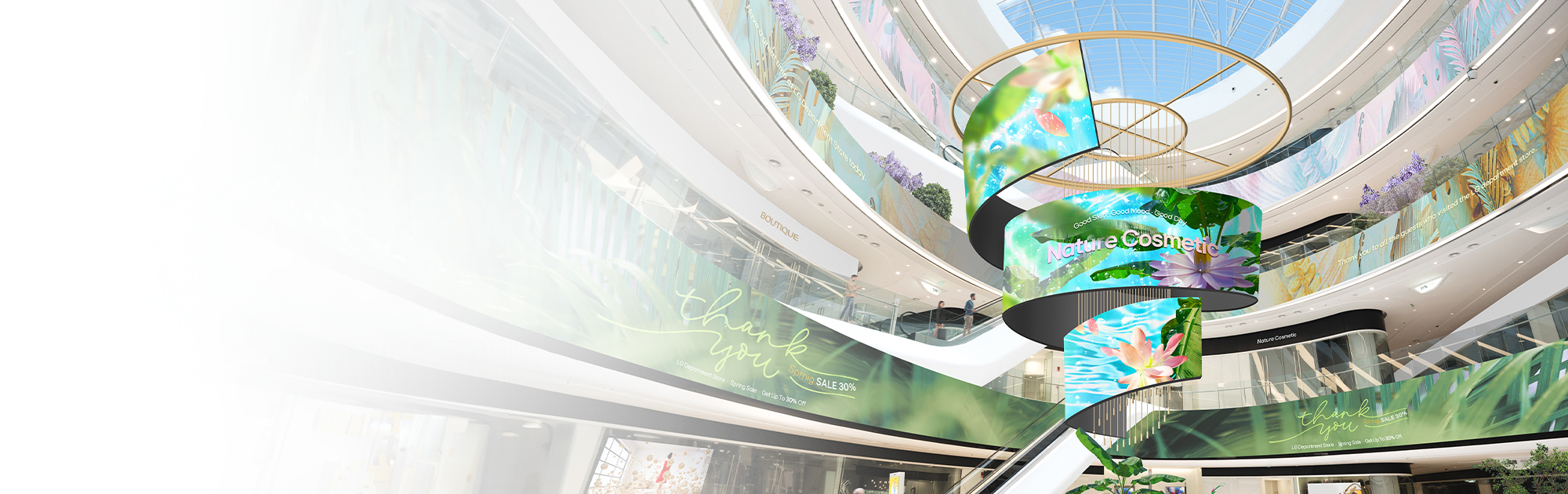
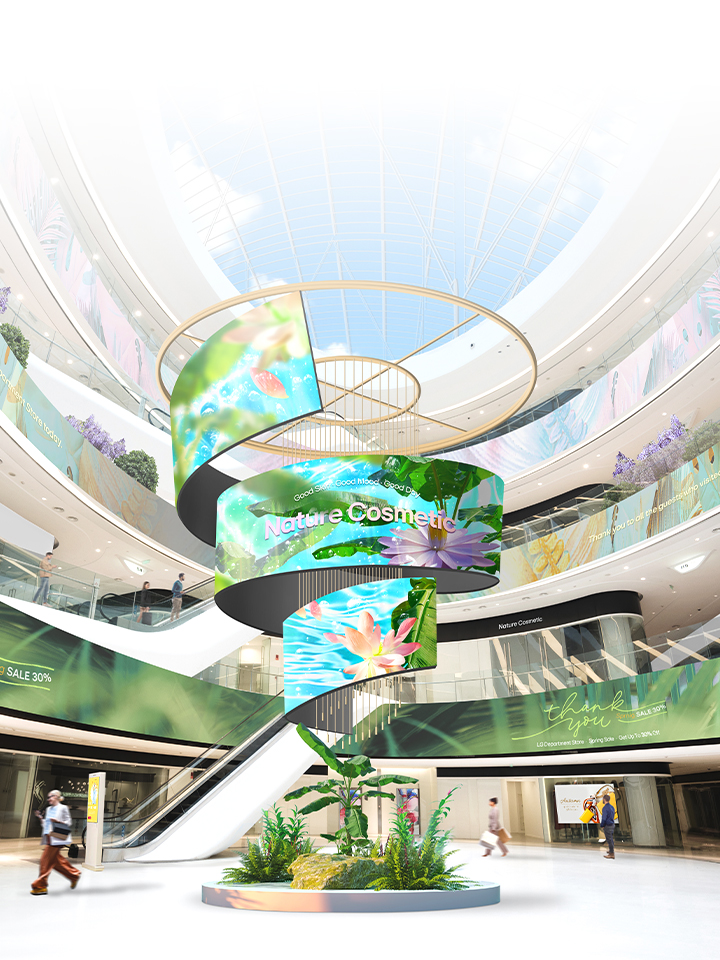
A wide range of Indoor and Outdoor LED screen signage to create eye-catching experiences with industry-leading technology and performance.
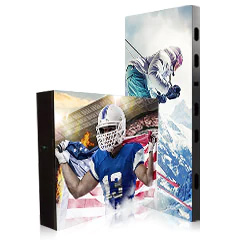
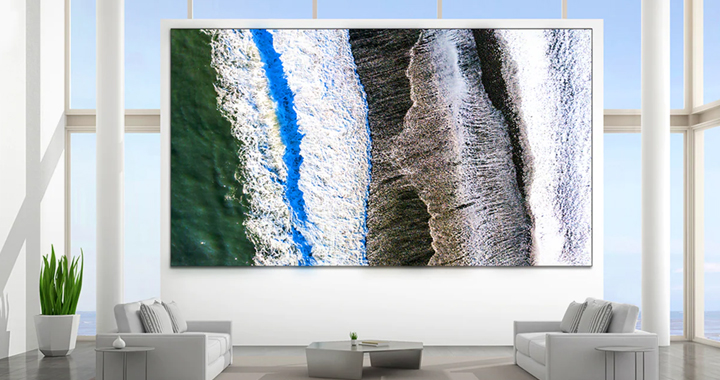
LG MAGNIT >
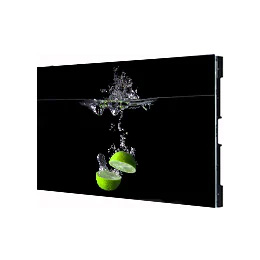
LG MAGNIT is an LED display that meets the depths of your imagination. An entirely new level of immersion awaits in infinite black and authentic color.


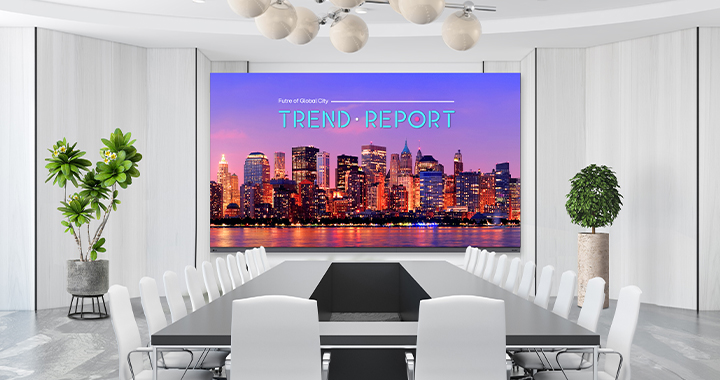
Indoor LED Display >
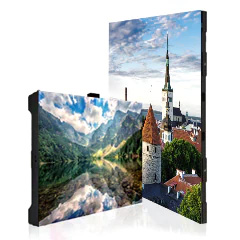
Full model line-up, ranging from super fine-pitch to standard indoor pitch, for diverse indoor LED display applications.


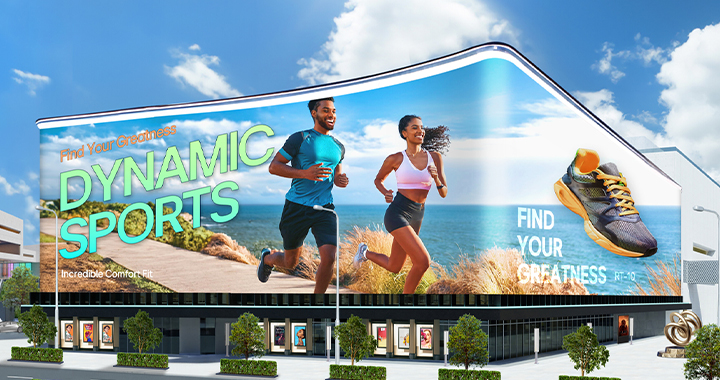
Outdoor LED Display >
Diverse models available in a range of case designs for outdoor LED display applications including in stadiums, and for outdoor advertisements and public displays.


People Also Ask
Key questions about our products and services.
Q. Does LG have micro LED screen lineup products?
A : Yes, LG offers a micro LED screen lineup, including the LG MAGNIT series. The LG MAGNIT is renowned for delivering exceptional viewing experiences with superior contrast and vivid colors, thanks to our advanced full black coating and surface treatment technologies. The MAGNIT series encompasses models such as the LSAB, LAAA, LSAP, LBAF, and LBAG series.
Q. Can you recommend indoor LED screen for conference rooms, meeting rooms, control rooms, shopping malls, virtual production, and media art?
A : For indoor applications like conference rooms, meeting rooms, control rooms, shopping malls, virtual production environments, and media art installations, LG recommend models such as the LAAA007, LSAB009, and LSCB012
Q. Can you recommend outdoor LED screen for outdoor advertising?
A : For outdoor advertising applications, we recommend LED screen models that prioritize high brightness, weather resistance, and remote management capabilities. Suitable options include the GSPC029, GSPA100, and GMBD035 series, which are designed to withstand various environmental conditions while providing optimal visibility.
Q. How can I determine how many LED cabinets are needed to create a large screen?
A : To determine the number of LED cabinets required for your desired large screen setup, we recommend using our LED Configurator tool available at (https://www.lg-informationdisplay.com/support/configurator/led-configurator). This tool will help you plan and configure your LED signage effectively.
Video Title